
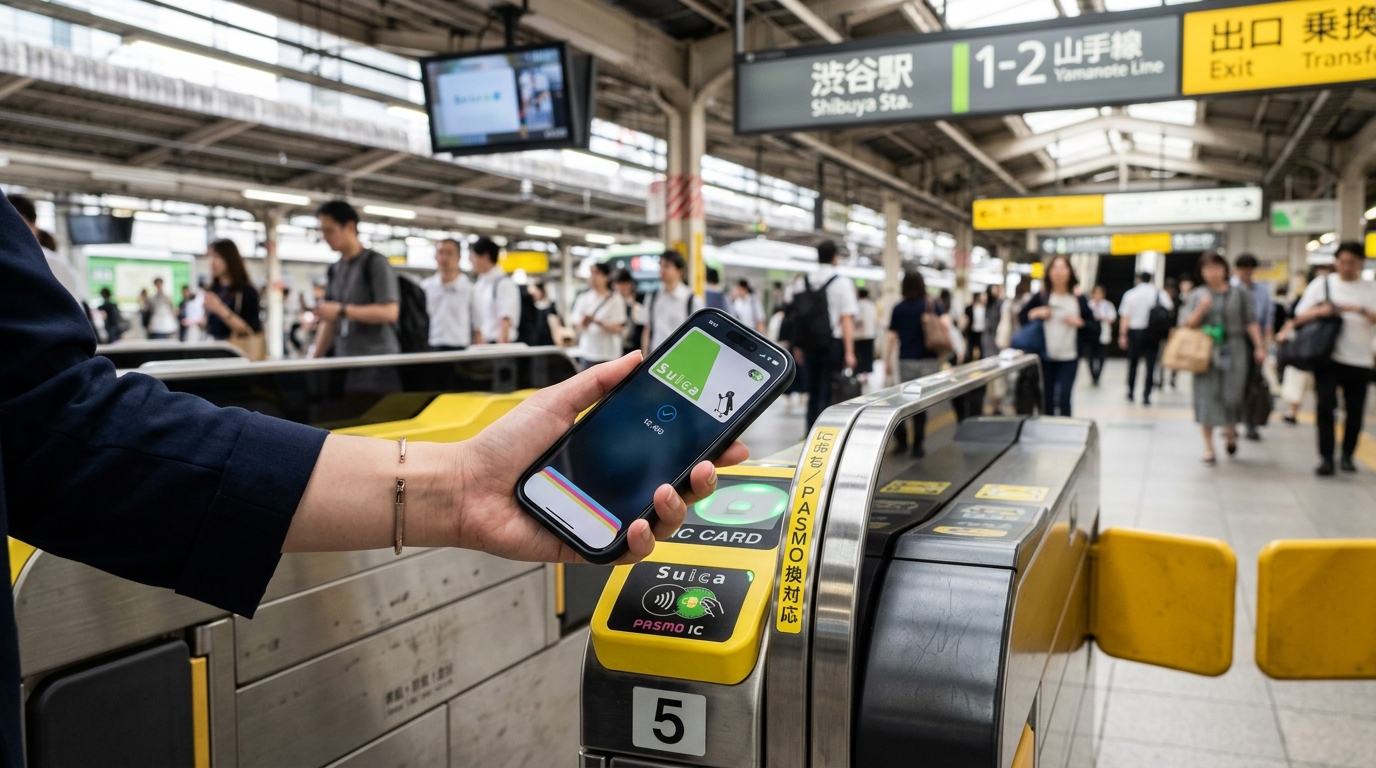

Using a digital suica card on your iphone is the single most effective way to navigate Japan’s complex rail network like a local. I remember my first trip to Tokyo years ago, fumbling with paper tickets and constantly miscounting my change at crowded vending machines. Thankfully, those days of paper-clutter are largely behind us. Today, if you have an iPhone 8 or later, you can digitize your entire transit experience and skip those long ticket lines entirely.
Understanding the Basics: Suica, Pasmo, and IC Cards
At its core, a Suica card is a rechargeable, stored-value IC (integrated circuit) card. While you might hear names like Pasmo or ICOCA, they all function using the same technical standards. The naming convention usually depends on the rail operator or the region: Suica is issued by JR East, while ICOCA is the standard in the Kansai region. Because of their interoperability, you can use almost any major IC card on almost any subway, train, or tram line across the country. I once used a card purchased in Kyoto to navigate the Tokyo Metro and even buy a bottle of green tea at a station kiosk in Sendai. It is remarkably seamless, provided you keep your balance topped up.
Why Move to a Digital Card?
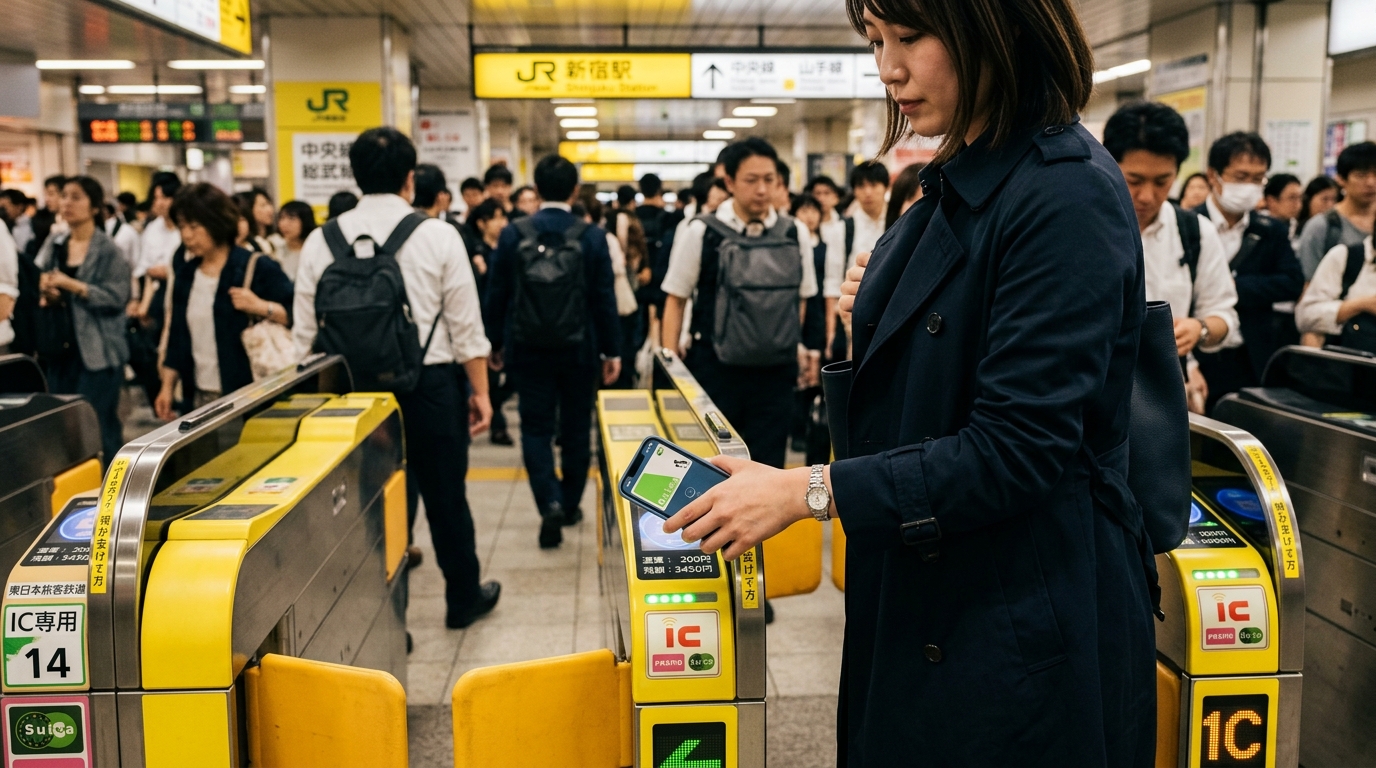
In 2023, a global semiconductor shortage forced JR East to halt the production of physical Suica cards. While you can still find them occasionally, the digital Suica is now the primary solution for international travelers. If you have an iPhone, the process is straightforward:
Open your Wallet app.
Tap the plus (+) icon to add a new card.
Select ‘Transit Card’ and choose ‘Suica’ or ‘Pasmo’.
Follow the on-screen prompts to complete the setup using an Apple Pay-linked credit card.
One thing I learned the hard way: if you decide to transfer a physical card you already own to your phone, that plastic card is permanently deactivated. You cannot move a card back from a phone to plastic once the transfer is done. If you want both, you must start fresh by adding a new digital card directly to your phone.
Troubleshooting and Technical Constraints
While the technology is convenient, it isn’t perfect. If you are an Android user with a handset purchased outside of Japan, you are unfortunately out of luck. Most international Android phones lack the specific FeliCa chip required to communicate with Japanese ticket gates. I once watched a frustrated traveler spend 20 minutes trying to set this up on a high-end Samsung phone before realizing it simply wouldn’t work.
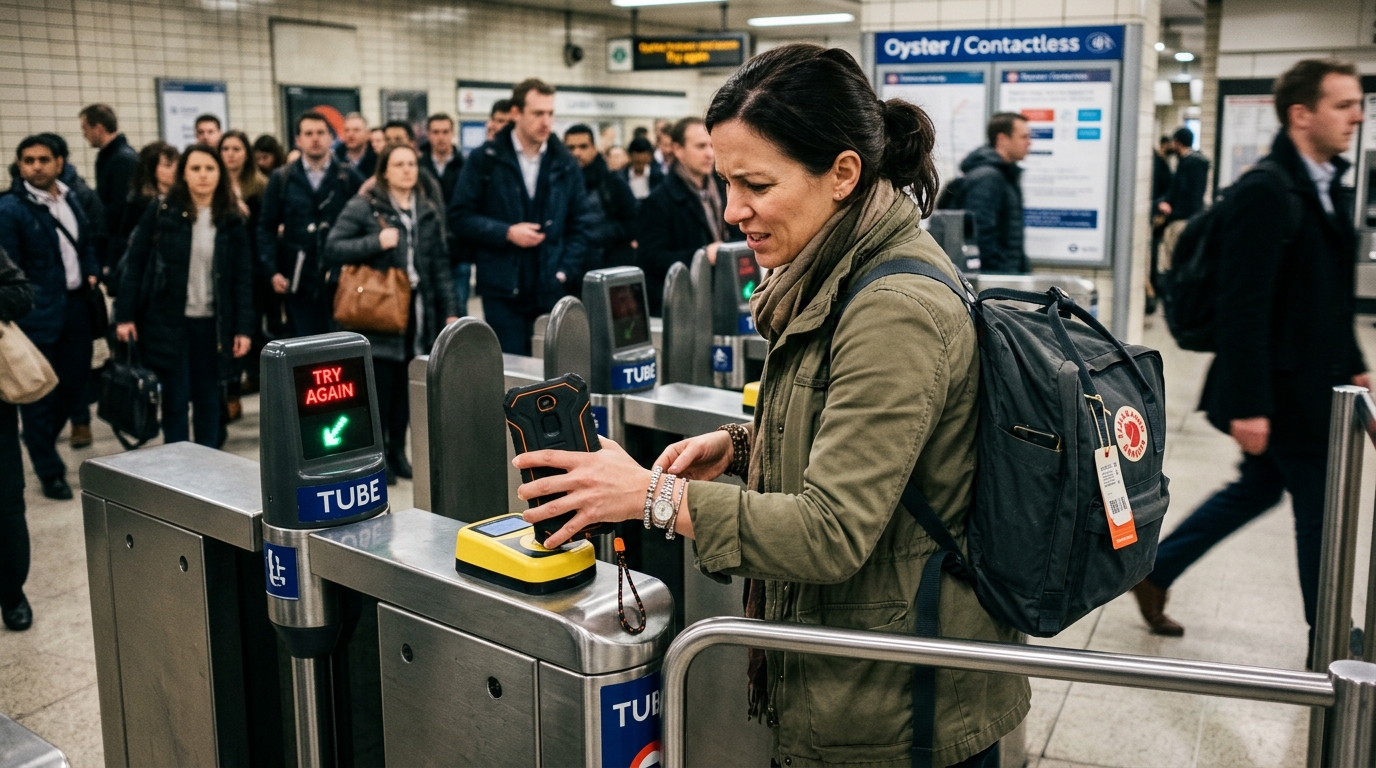
Also, pay attention to your phone case. If your case is made of thick, heavy plastic or contains metal, it might interfere with the reader’s signal. I always take my phone out of its bulky protective sleeve when I hit the gates just to be safe. If you get a ‘read error’, simply open the card in your Wallet app and display it manually for the scanner.
Where You Can Use Your Digital Card
Think of your digital Suica as a quasi-currency. Beyond trains, you can use it at almost any konbini (convenience store) like 7-Eleven, Lawson, or FamilyMart. I often use mine to pay for quick snacks or drinks from vending machines that line every street in Japan. It saves you from carrying heavy coins everywhere you go. Additionally, JR East has launched the Welcome Suica Mobile app, which is specifically designed for international tourists. As of late 2024, this means you can book seat reservations for specific Shinkansen lines like the Tōhoku, Hokkaido, and Hokuriku services directly in your app. Note that the popular Tōkaidō Shinkansen between Tokyo and Osaka is not yet fully supported by the standard mobile Suica integration, so keep a backup plan for those tickets.
Strategies for Topping Up
You will never be stranded, but you need to know how to recharge. You can add money via:
Apple Wallet: Use any card registered in Apple Pay to add funds instantly.
Station Kiosks: Place your phone on the reader at any standard ticket machine, select ‘IC Charge’, and insert cash.
Convenience Store Registers: Tell the clerk ‘Suica o chaji onegaishimasu’, place your phone on their reader, and pay with cash.
7-Eleven ATMs: These machines often have a specific ‘IC Load’ menu that is very easy to use.
Frequently Asked Questions
Do I need internet access to use my Suica card at the gates?
No, you do not need Wi-Fi or cellular data to validate your card. The FeliCa chip in your iPhone functions independently of your network connection. In fact, many iPhone models support ‘Express Transit’ mode, which allows you to tap through gates even if your battery is critically low or the phone is in power-reserve mode, making it an incredibly reliable tool even when your data roaming is spotty or exhausted.
Can I get a refund for the balance left on my digital card?
This is a major downside: unlike physical cards, which often allow for a deposit refund at the end of a trip, the remaining balance on a digital Suica card cannot be withdrawn as cash. I recommend loading small amounts—maybe 2,000 to 3,000 yen at a time—toward the end of your trip to ensure you don’t have a large amount of ‘trapped’ money that you cannot use later.
Are there any regional restrictions for using my card?
Suica is widely accepted across Japan, but it is technically a regional product. While it works on 99% of rail lines nationwide, there are very rare, extremely rural bus lines or remote train stations that might only accept specific local IC cards. For 99% of visitors sticking to the ‘Golden Route’ (Tokyo, Kyoto, Osaka, Hiroshima), your Suica will perform flawlessly everywhere you travel, but always have a few thousand yen in cash for those unexpected remote adventures.
Final Thoughts on Seamless Travel
Japan’s transit network is highly optimized, but it can be overwhelming for first-timers. The shift toward mobile-based payments like the digital Suica is a total game-changer. It reduces the stress of language barriers at ticket kiosks and cuts down on the physical management of travel documents. My best advice? Spend ten minutes setting up your digital wallet before you even leave home. Having that sense of security before you step off the plane at Narita or Haneda is worth its weight in gold. Just remember the limitations: keep your iPhone charged, stick to slim cases, and don’t load more money than you plan to spend in the final 48 hours of your journey.